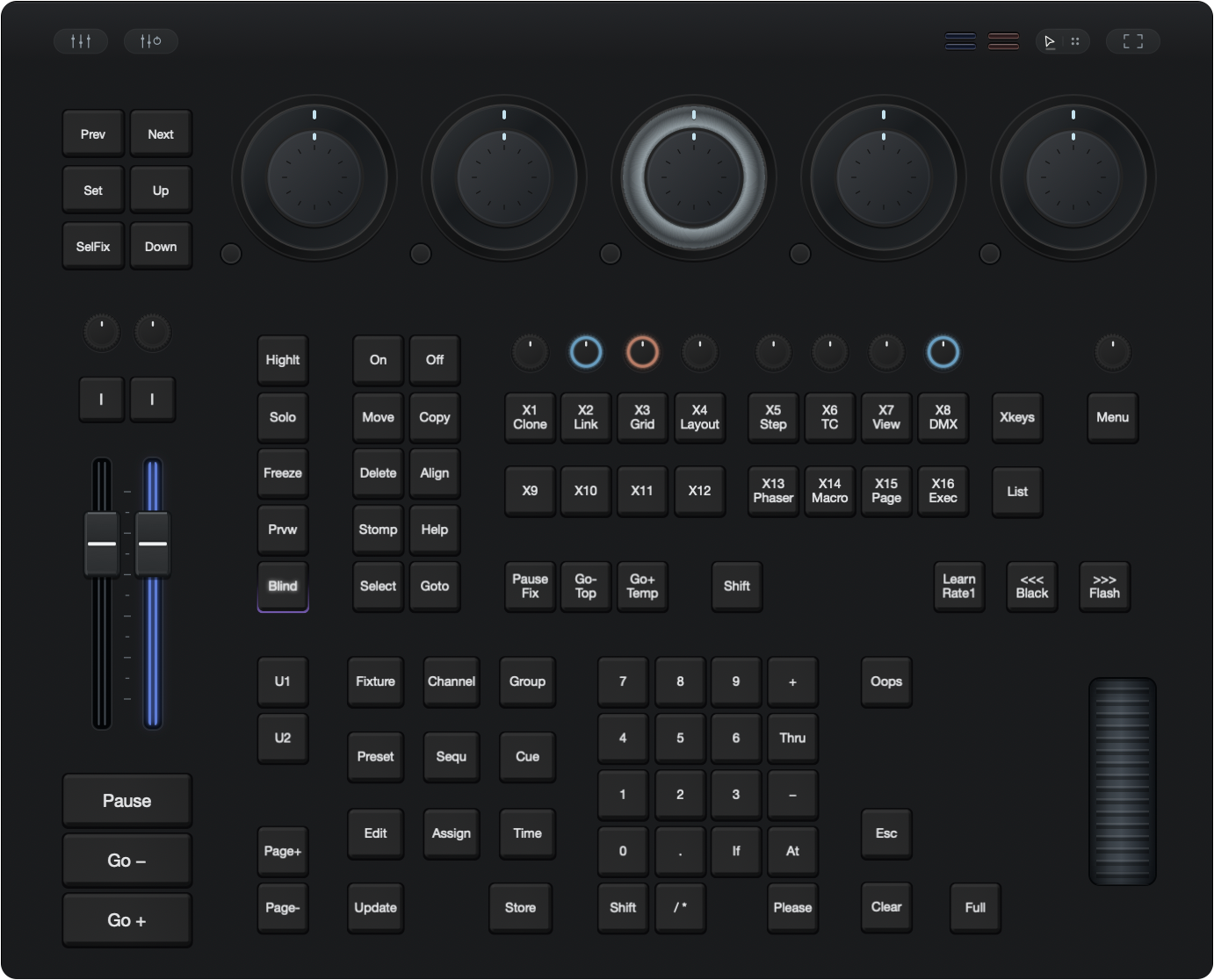
Rotary control
Five dual-ring encoders.
Five dual-ring encoders and textured rotary controls keep precise adjustments close at hand.
Dual-ring encoders · Textured controlsMain console. Playback expanded.
Native macOS app · Apple silicon · Release preview
A familiar control surface.
Space to make it your own.
Faders, encoders and the keys you reach for most. Together in a tactile workspace that can grow across your screens.
Your space, your setup
Keep the console together, or give each panel its own screen. Dock them back into a single workspace whenever you like.
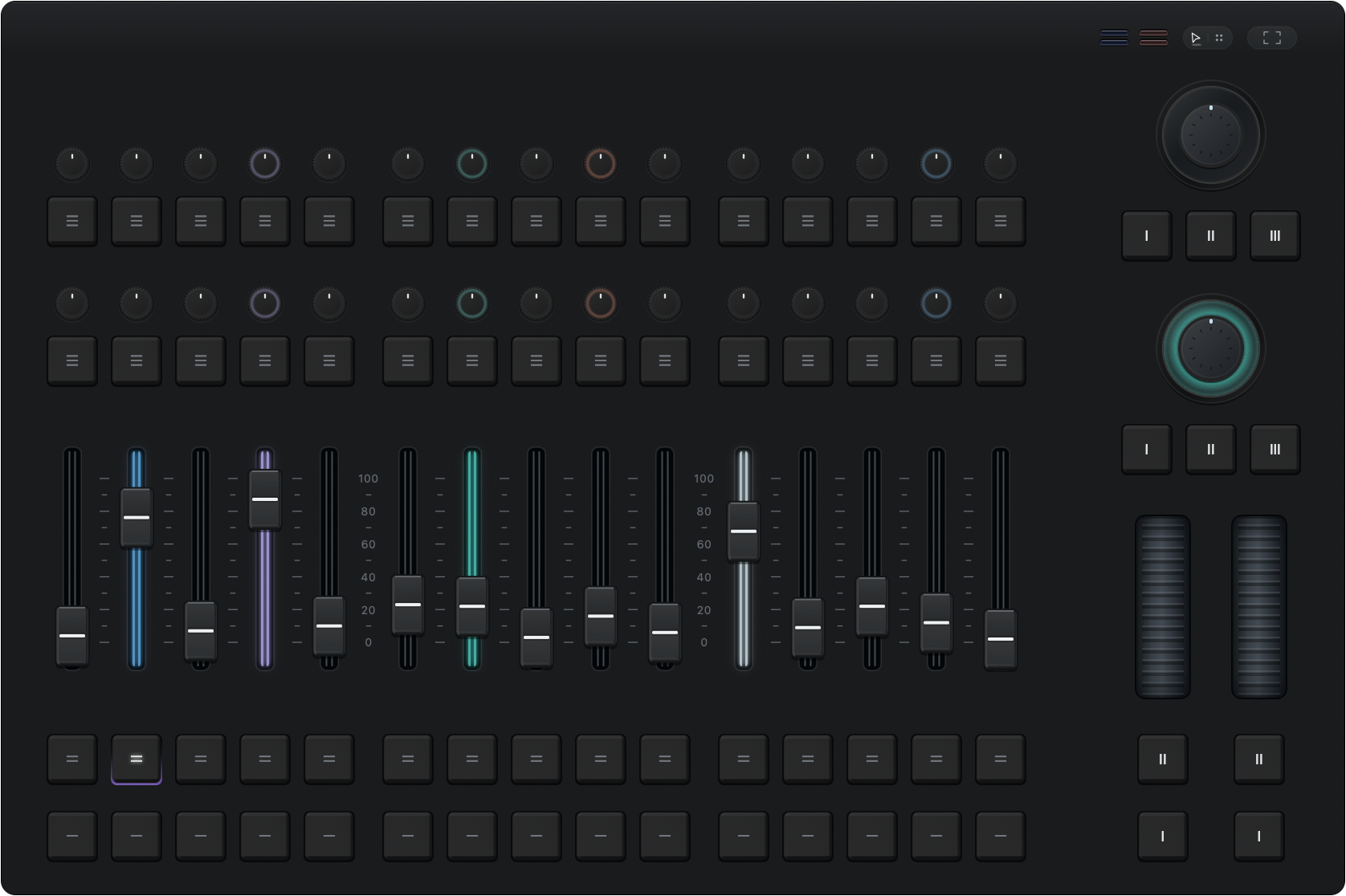
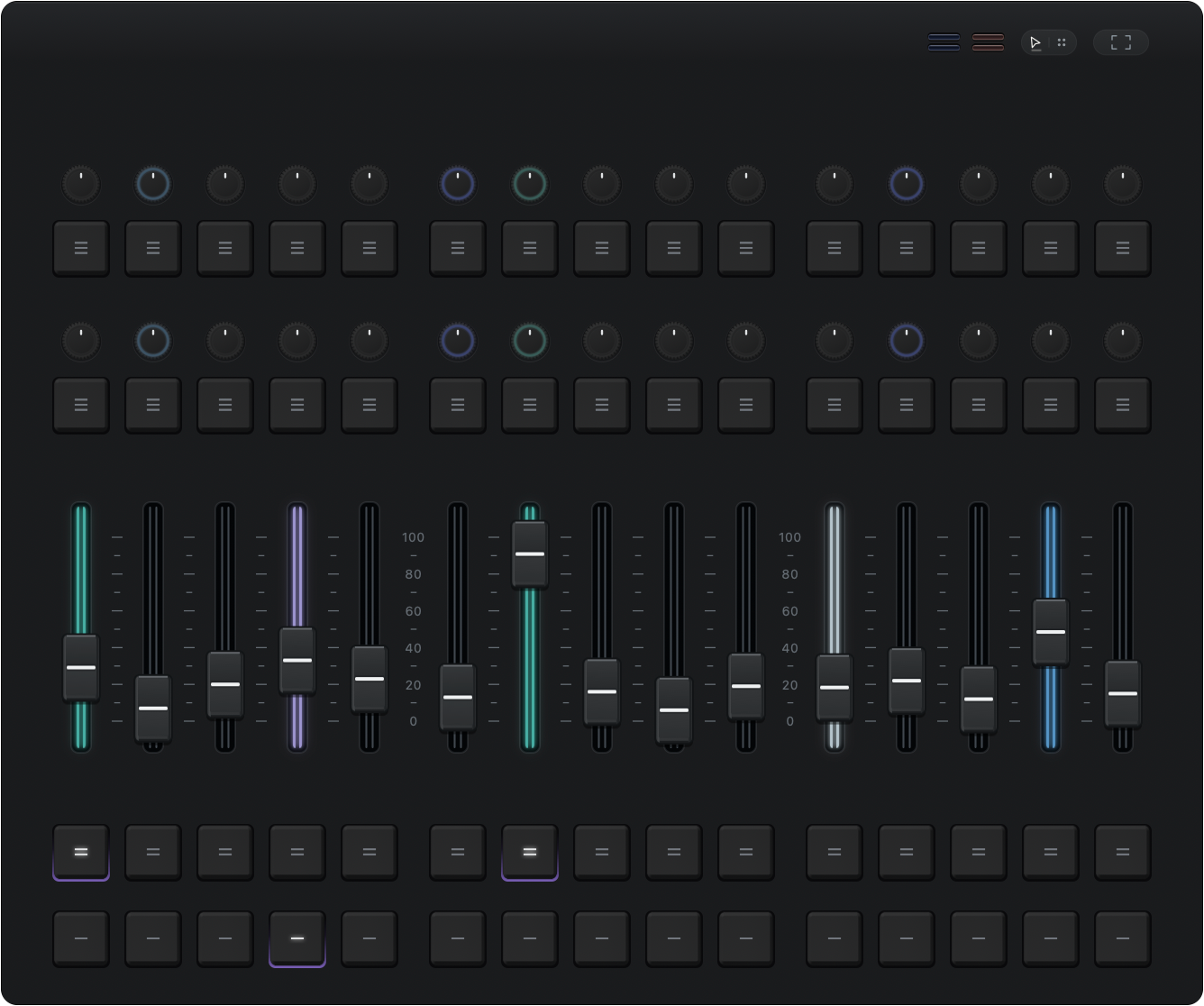
One console. Room to move.
The controls
Tactile controls. Clear feedback.
Made for the way you work.
Rotary control
Five dual-ring encoders and textured rotary controls keep precise adjustments close at hand.
Dual-ring encoders · Textured controlsPlayback feedback
Distinctive light strips, clear positions and individual colors keep playback easy to follow.
30 playback faders · Individual lightingStay connected
Connect through MIDI or OSC.
Follow playback, key states and supported lighting feedback in your workspace.
A familiar connection.
Control across your network.
The matching connection kit is included in the app.
FaderBay
A native workspace for Mac, built around your hands.
Release enquiries Questions? We’re here to help.